
Give each message its moment.
Animation can establish sequence and emphasis. A message that appears in stages may be easier to follow than one that arrives all at once. Motion should support comprehension, not compete with it.
Hero sections, landing pages, and storytelling experiences that go beyond static visuals.
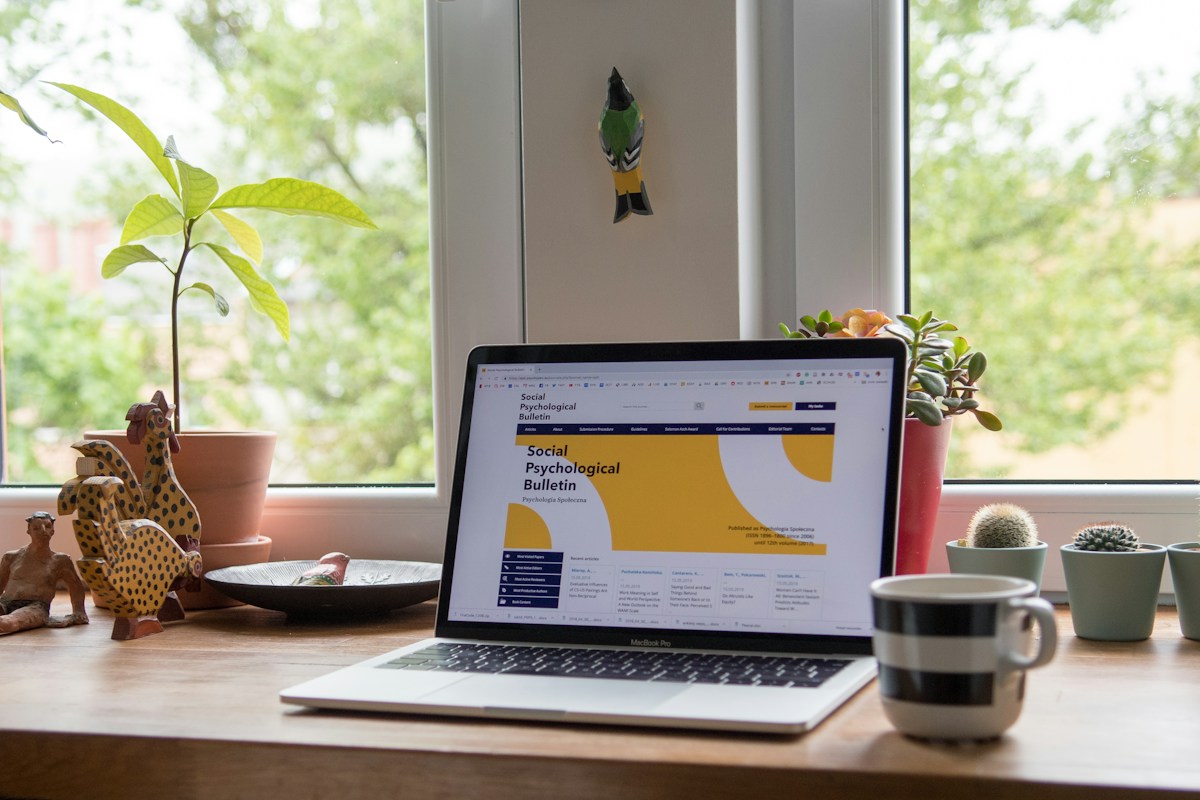
We often describe a website by how it looks: a striking hero, a polished landing page, a carefully composed product story. Yet what makes the web different from a poster or video is that the experience can respond to people.
A headline can enter as the page loads. A product can reveal details as someone scrolls. A call to action can appear at the right moment. The layout can adapt to the space available.
A visual design shows a moment. An interactive web experience connects moments, actions, and responses. Movement, interaction, and responsive behavior can be part of the creative work itself.
The most useful interactive experiences are not necessarily the most complicated. They make a message clearer, a product more tangible, or a story more engaging.
 Make the first
moment count.
Introduce a brand with motion typography, layered visuals, timed calls to action, and layouts that adapt from desktop to mobile.
Explore Runtime ↗One coordinated
experience.Bring campaign messages, product highlights, and conversion actions into one experience with editable content and behavior.
Explore Product Guides ↗ Every scroll
reveals more.
Use scroll progression, transitions, and interactive states to turn information into a sequence people can explore at their own pace.
Explore Product in Motion ↗Traditional design tools, AI generation, and VINSTOCK solve different problems. An effective workflow may use all three.
| Stage | Conventional workflow | VINSTOCK runtime workflow |
|---|---|---|
| Starting point | Design screens and interaction specs | Discover a live, working component |
| Handoff | Hand off files and documentation | Edit content and supported parameters |
| Build | Rebuild the experience in code | Validate behavior across contexts |
| Result | Test, revise, and synchronize; implementation becomes a separate creative step | Configure a suitable delivery path, starting from a functioning experience |
This lightweight demonstration illustrates the difference between viewing a fixed example and exploring an editable experience. It is a conceptual preview, not the full VINSTOCK editor.
A living visual experience, shaped around your message.
Explore the experience ↗Try a longer title, then switch to mobile. Notice how the same content needs a different composition. Component capabilities and editable parameters vary.
A runtime component can be tested in context before it becomes part of a production website.
Not every component supports every interaction, responsive mode, or delivery target. Available capabilities depend on the selected component.
Once an experience exists as editable HTML, it can become material for new work.
These are different workflows built around reusable creative material; not every component works in every format.
Starting from a functioning experience changes when teams can evaluate behavior and make creative decisions.

Explore behavior in a live component, not only in a static screen or interaction specification.

Start from a concrete, configurable experience that can be evaluated before integration.
Adapt content and reusable variants as campaign ideas change.
A useful starting point, not a replacement for craft. Runtime components do not eliminate engineering, accessibility reviews, performance testing, or brand judgment. They make a working experience available earlier for teams to assess and adapt. AI can help explore concepts, presets, and visual directions; traditional creative tools remain valuable for refining and producing the final work.
Discover editable runtime components for hero sections, landing pages, and interactive storytelling. Experience the result before you decide to use it.