Discover
Find a component that fits your creative purpose.
Choose what you want to learn. Explore practical concepts, supported outputs, and step-by-step workflows across VINSTOCK.
Start with a product, or follow a practical workflow from discovery through delivery.
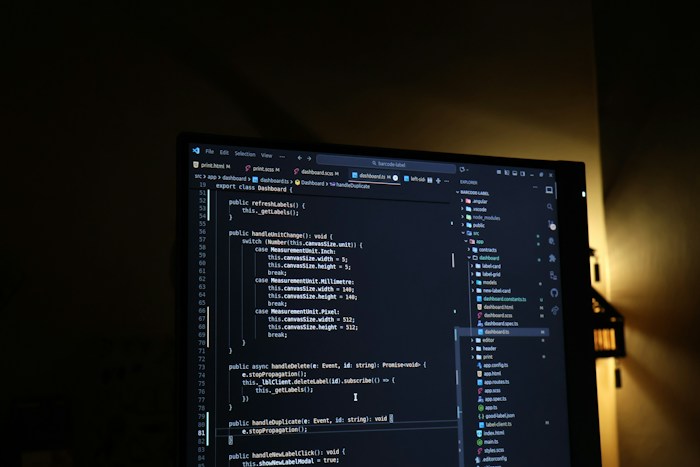
Customize and deliver interactive HTML experiences for websites and applications.
Explore guide ↗
Render compatible motion HTML as transparent WebM or MOV video, or PNG image sequences.
Explore guide ↗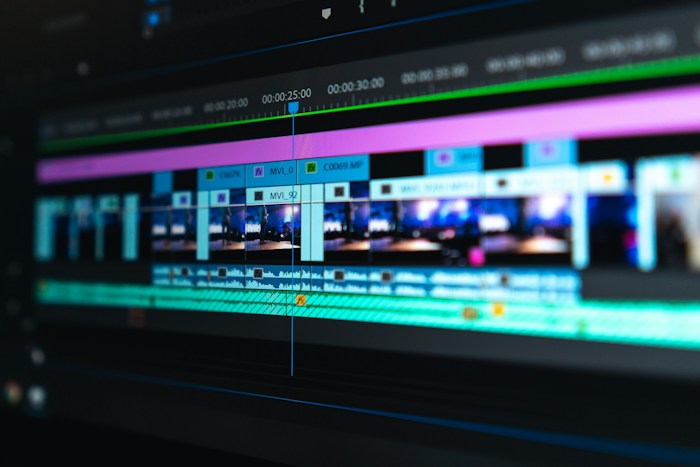
Arrange motion HTML, video, and audio on a shared timeline for video production.
Explore guide ↗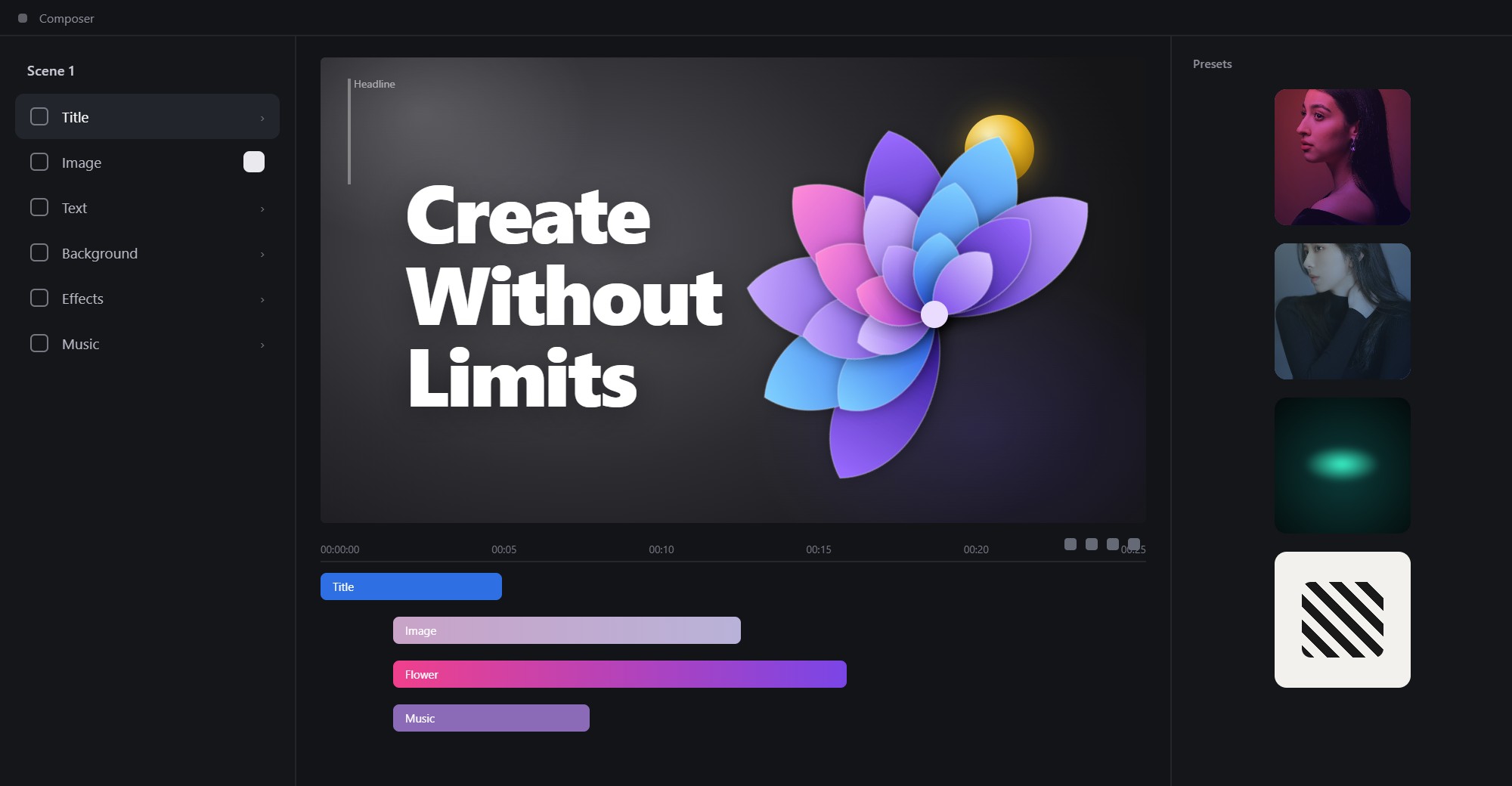
Arrange, crop, and combine motion HTML elements into a reusable composition.
Explore guide ↗
Explore AI-ready preset documents and shared themes for compatible generators.
Explore guide ↗
Use responsive layouts, motion, and interaction to make product stories more explorable.
Explore guide ↗Create or discover a component, customize it, save outputs, and bring them into compatible VINSTOCK tools.
Available steps and delivery options depend on the component and product workflow.
Go beyond a static design handoff. Work with editable HTML components that can preserve supported interactions, motion, and responsive behavior in a live environment.
Render motion assets, compose timelines, or combine reusable HTML elements. Select the tool that fits the task.
Render compatible motion HTML as transparent video for layering over footage, or export PNG sequences for frame-based workflows.
Validate media rights and export compatibility before rendering.
Arrange multiple motion HTML elements, video clips, and audio tracks on a common timeline. Coordinate timing and media in a video production workflow.
Specific export codecs and audio features depend on implementation.
Arrange and crop multiple motion HTML elements on a canvas, then choose a suitable delivery path.
Runtime and Motion workflows provide AI-ready documents for generating preset values, alongside shared theme capabilities for coordinated visual directions.
VINSTOCK’s longer-term discovery model may extend eligible visual components into additional digital and print workflows.
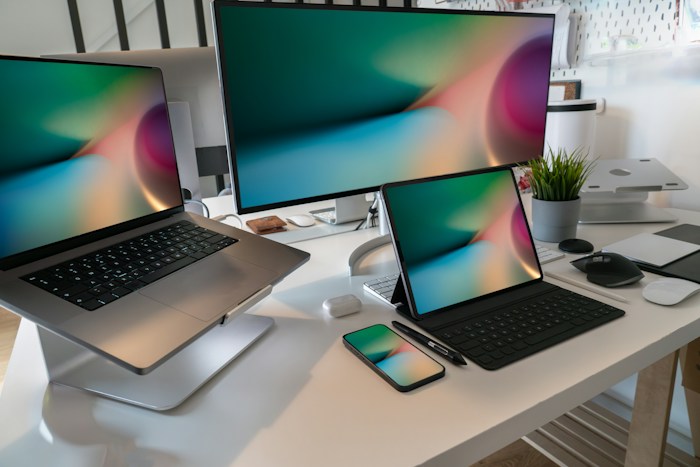
A planned direction for adapting eligible visual components into digital campaign and social graphics.

A planned direction for print-oriented delivery, subject to suitable output and preflight workflows.
Graphics and Print are not included in the first release described by the product plan.
A few practical details to help you choose the right product workflow.
Runtime focuses on live, interactive component delivery. Motion workflows focus on transparent asset rendering, timeline-based video, and composing motion HTML. Suitable underlying components may be shared between them.
Explore editable components, try a supported workflow, and discover what you can build with VINSTOCK.