
 Canvas.
Build from a blank canvas
Shape every detail yourself with familiar design and motion tools. You get direct control, with each new idea starting from the ground up.
From drawing every detail to prompting an AI, and now to creating with working, editable components. A different starting point changes what happens next.

Creative tools keep expanding. Each approach has a place, and each shapes what you can do after the first idea appears.
Canvas.Shape every detail yourself with familiar design and motion tools. You get direct control, with each new idea starting from the ground up.
 Prompt.
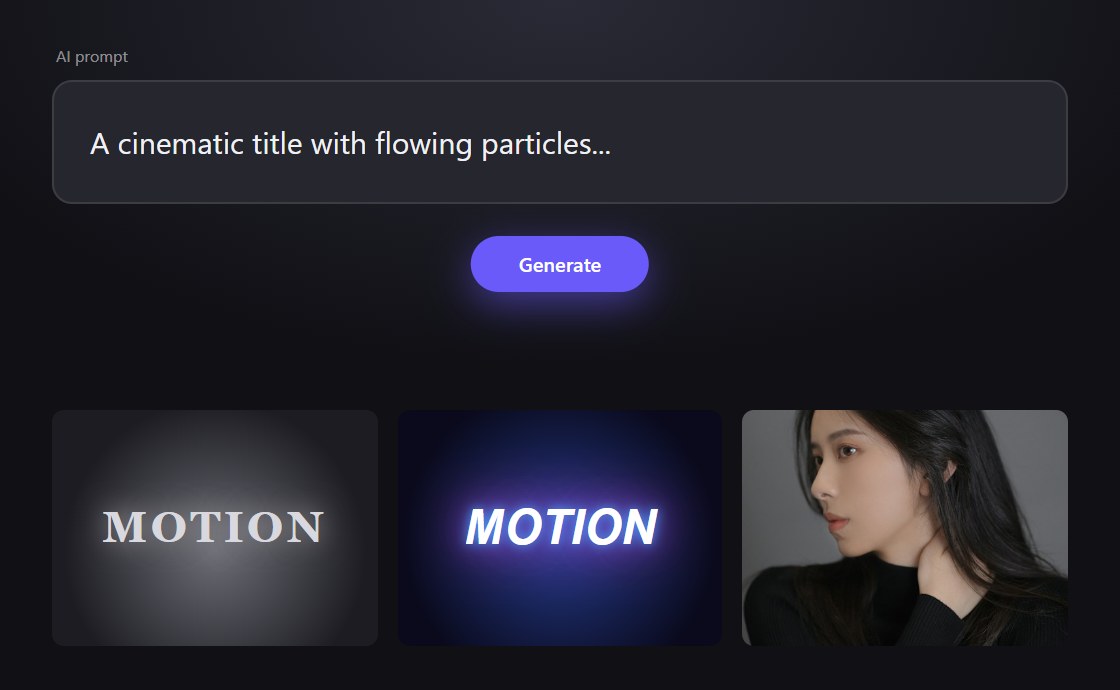
Use AI to explore directions and create visual starting points quickly. The result and how much you can edit depend on the tool and workflow.
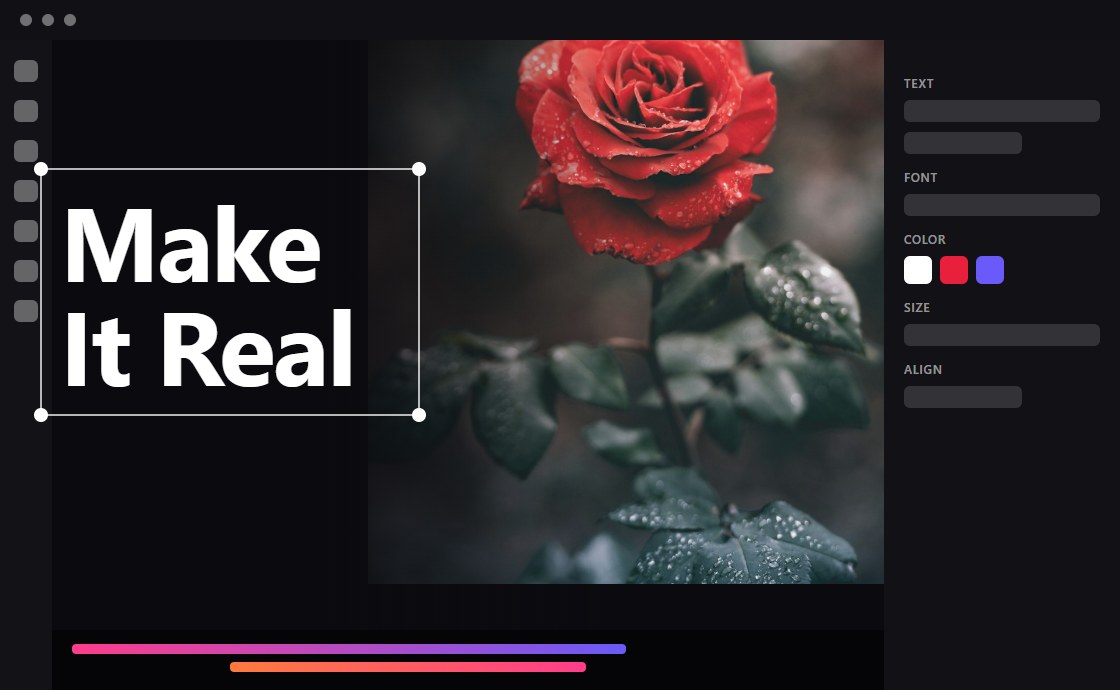 Component.
Begin with an editable HTML experience. Change its content and supported settings, preview the result, and build from something already working.
The shift: what if you could start with something you can already see, change, and experience?
A static mockup can communicate a direction. A generated result can reveal new possibilities. Both can be useful, and how editable they are varies by tool and format.
A working component adds another option: interact with it, adjust the properties it supports, and learn what the idea does before deciding how to use it.
Instead of rebuilding every variation from scratch, explore the working experience, customize it, and carry compatible parts into the next stage.
Keep creative exploration close to the working component, from the first preview to a suitable delivery format.
Try changing the headline and accent color. This small illustration demonstrates editable content; actual controls depend on each component.
Illustrative demo: This is a front-end example, not the production VINSTOCK editor. Component settings and export readiness vary by component and tool.
Choose an output based on where the work needs to go and what the source component supports.
Supported formats and delivery options depend on the component, selected workflow, and destination environment.
Generative tools can help brainstorm directions, produce variations, or prepare visual material. Their outputs and editing controls differ, so review each result for the needs of your project.
VINSTOCK brings AI exploration alongside editable runtime components and shared themes, connecting generated ideas with a structured creative workflow.
Use the approach that fits the task, and combine them when that serves the work.
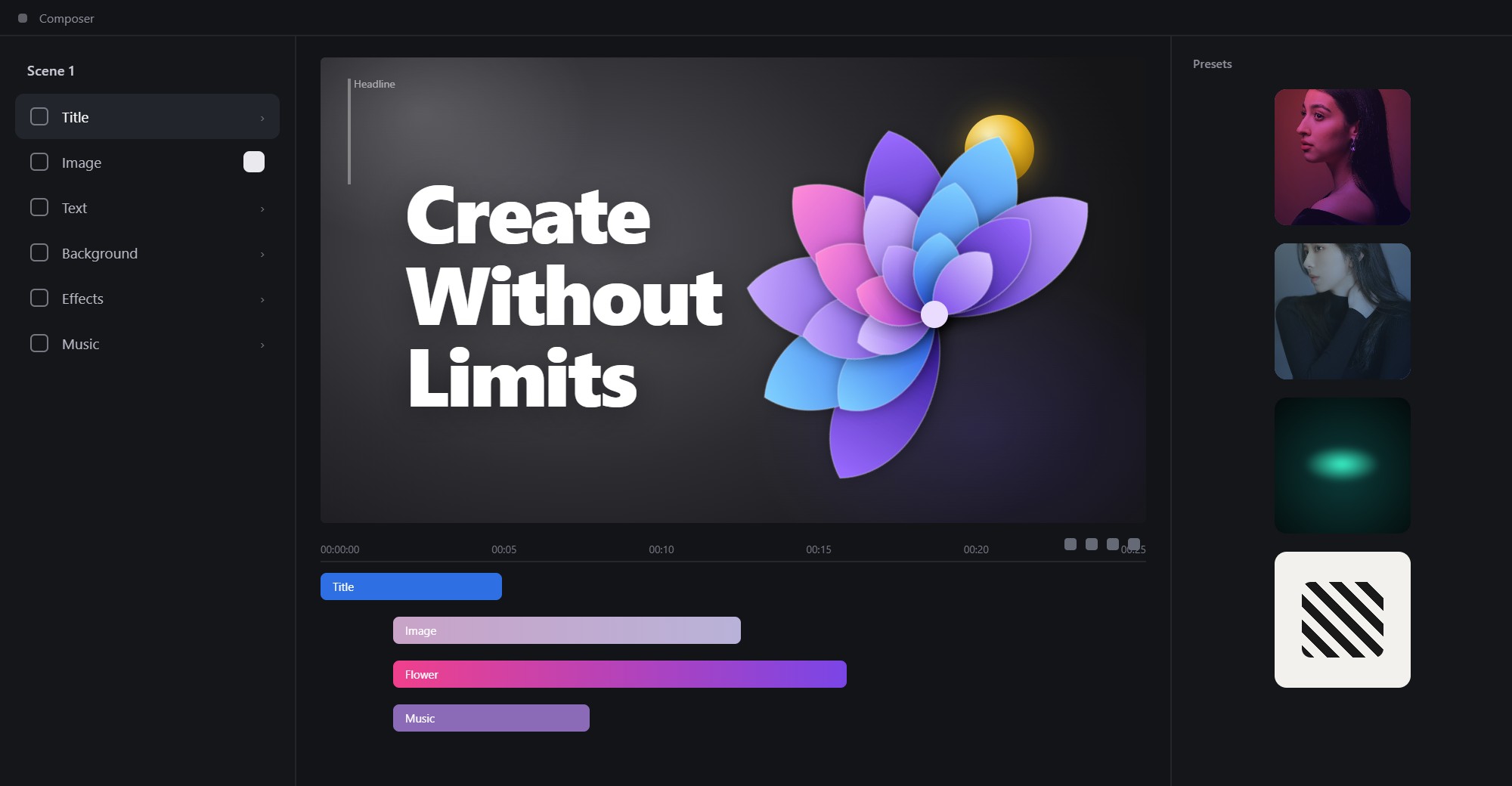
Compatible components can be brought together into a larger composition. Arrange, layer, and coordinate elements while keeping each part useful to the overall experience.
Save variations, revisit a composition, and prepare it for a suitable runtime or production workflow. Available features depend on the tools and components in use.
For commercial projects, review the applicable VINSTOCK usage terms, third-party media rights, and service duration before delivery.
Start with something you can see, change, and experience.

Explore polished starting points and adapt them to fit your own ideas.

Create variations from reusable components while keeping a shared visual direction.

Connect exploration and customization with delivery workflows across projects.
Discover editable components, explore their possibilities, and shape a creative workflow around your next idea.